Kiosk mode for training
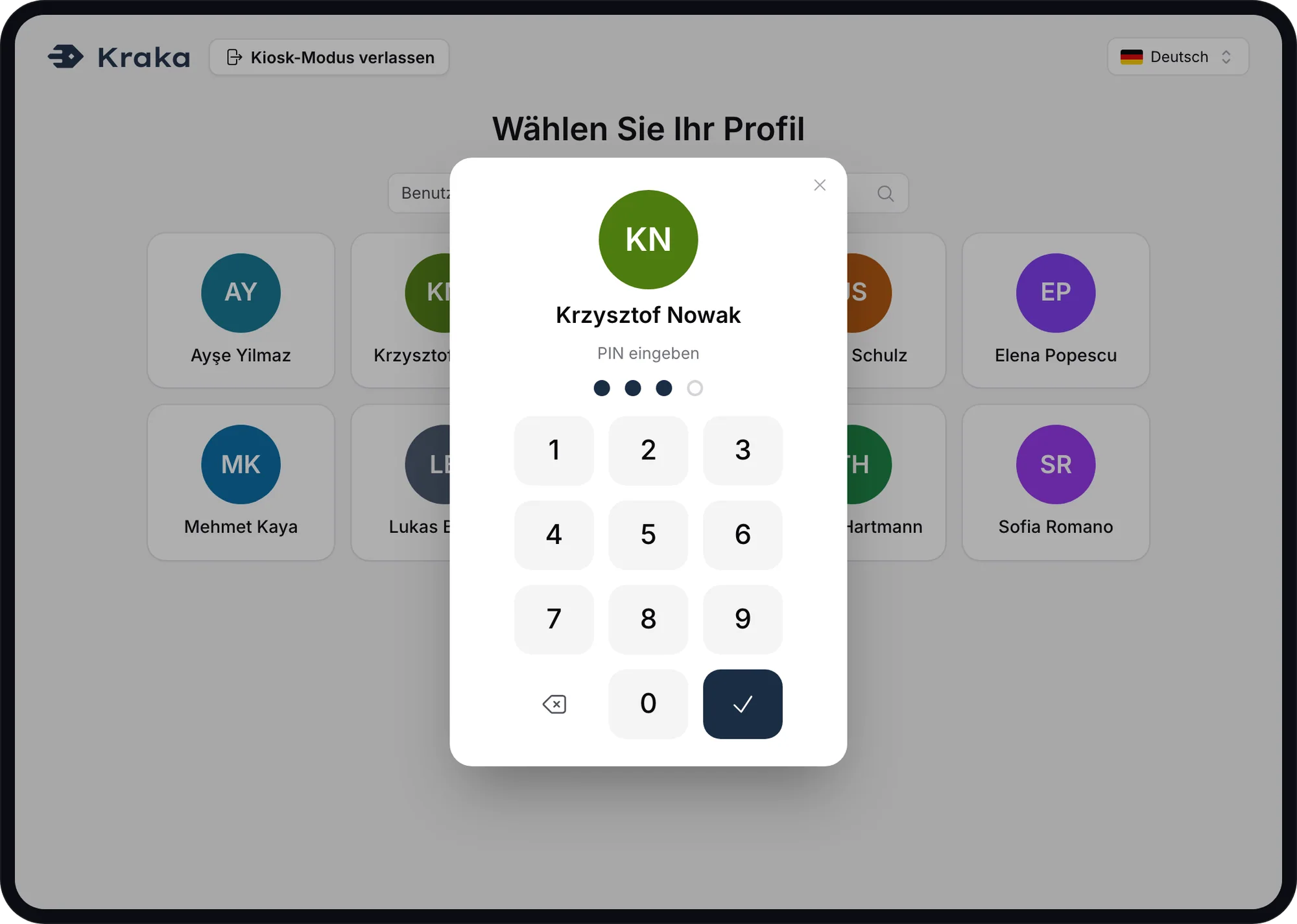
People without an email address take their courses on the shared device in the production hall, each signing in with their own PIN.
The essentials at a glance
Sign-in with a PIN
Each person has their own PIN. They use it to sign in on the shared device, and Kraka links courses and records to them.
No email address or phone needed
People without an email address or a phone can still be assigned courses and complete them.
More on acknowledgement and training recordsPIN from the chip number
When you import your staff list, each person's chip number can become their PIN.
More on learning managementLocks when left idle
If the device is left unused for a while, Kraka locks the session. You set how long. The next person signs in with their own PIN.
An area as the start page
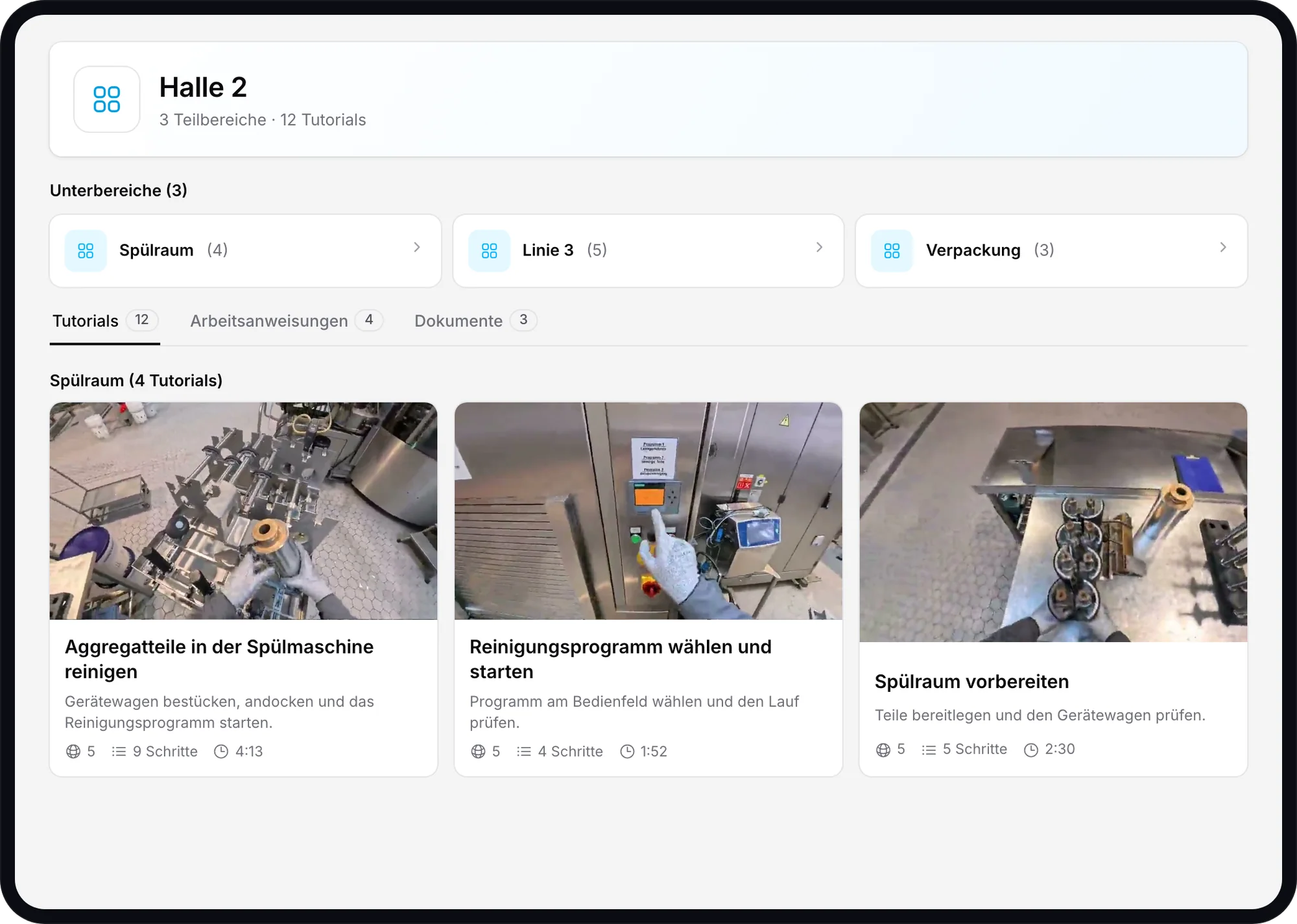
An area such as "Hall 2" can be the start page. There your people find the sub-areas and tutorials they need in that part of the plant.
Common questions
What about staff without a company email address?
They don't need one. In kiosk mode, everyone signs in on the shared device with a personal PIN or scans the QR code at the machine. The training record is still kept per person.
What happens if someone forgets to sign out?
After a while without input, Kraka locks the page. Only that person's PIN unlocks it again. With "Other user", the next person signs in with their own PIN.
Where does a person get their PIN?
You set the PIN in Kraka, and the person can change it afterwards. When you import the staff list, the chip number can serve as the PIN instead. The person cannot change that PIN.
More features to deliver
- Training and instruction in productionWith Kraka, onboarding and mandatory training happen where your people work: in their own language and with a record for the audit.
- The AI chat for questions at the workstationNobody at the machine has to dig through documents. They ask Kraka out loud and get an answer with its source.
- Tutorials by QR code at the machineYour people scan the QR code at the machine and see how it's done, right where the question comes up.
Meets the requirements of your IT department.
SSO, MFA and role-based permissions. Faces and voices anonymised automatically on request.
All details under Legal & Security →- Hosted in GermanyHosting DE
- GDPR-compliant, DPA includedGDPR
- ISO/IEC 27001 certifiedISO/IEC 27001
- No AI training on your dataNo AI training
Book a consultation
30 minutes. Bring a recording or a document, and we'll show you live what Kraka makes of it.
What to expect
- Where you stand: We look at where knowledge gets lost in your plant or where onboarding takes too long.
- The way to the start: How the rollout works, what your IT needs for it and who on your side should take part.
- A clear answer: By the end, you know whether Kraka is worth it for your plant.