Training video from PowerPoint and PDF
An existing PowerPoint, PDF or Word file becomes a narrated tutorial and a course with a quiz.
The essentials at a glance
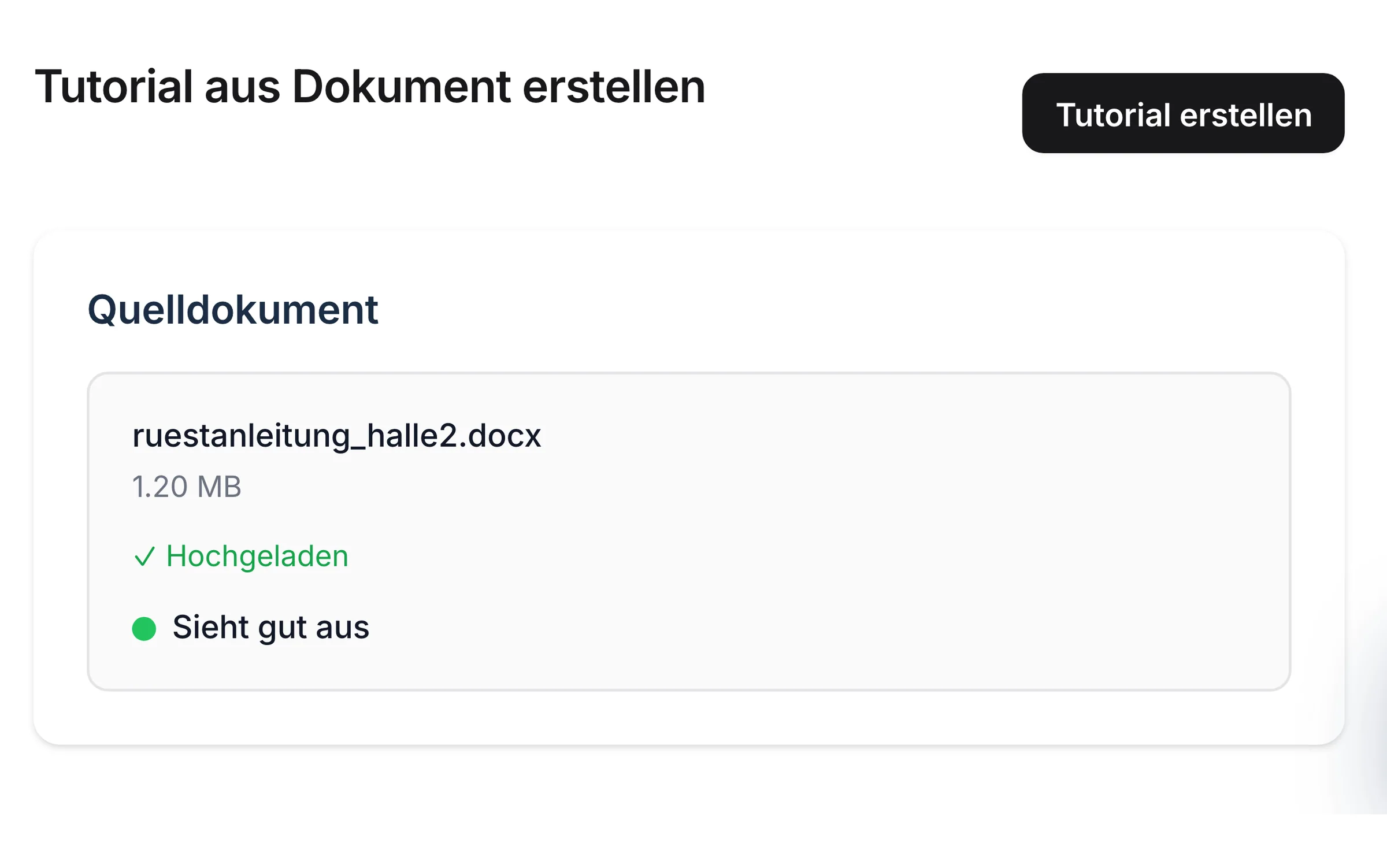
PowerPoint, PDF or Word
You upload a PowerPoint, PDF or Word file. Kraka works out for itself which language it is written in.
Your own slides are kept
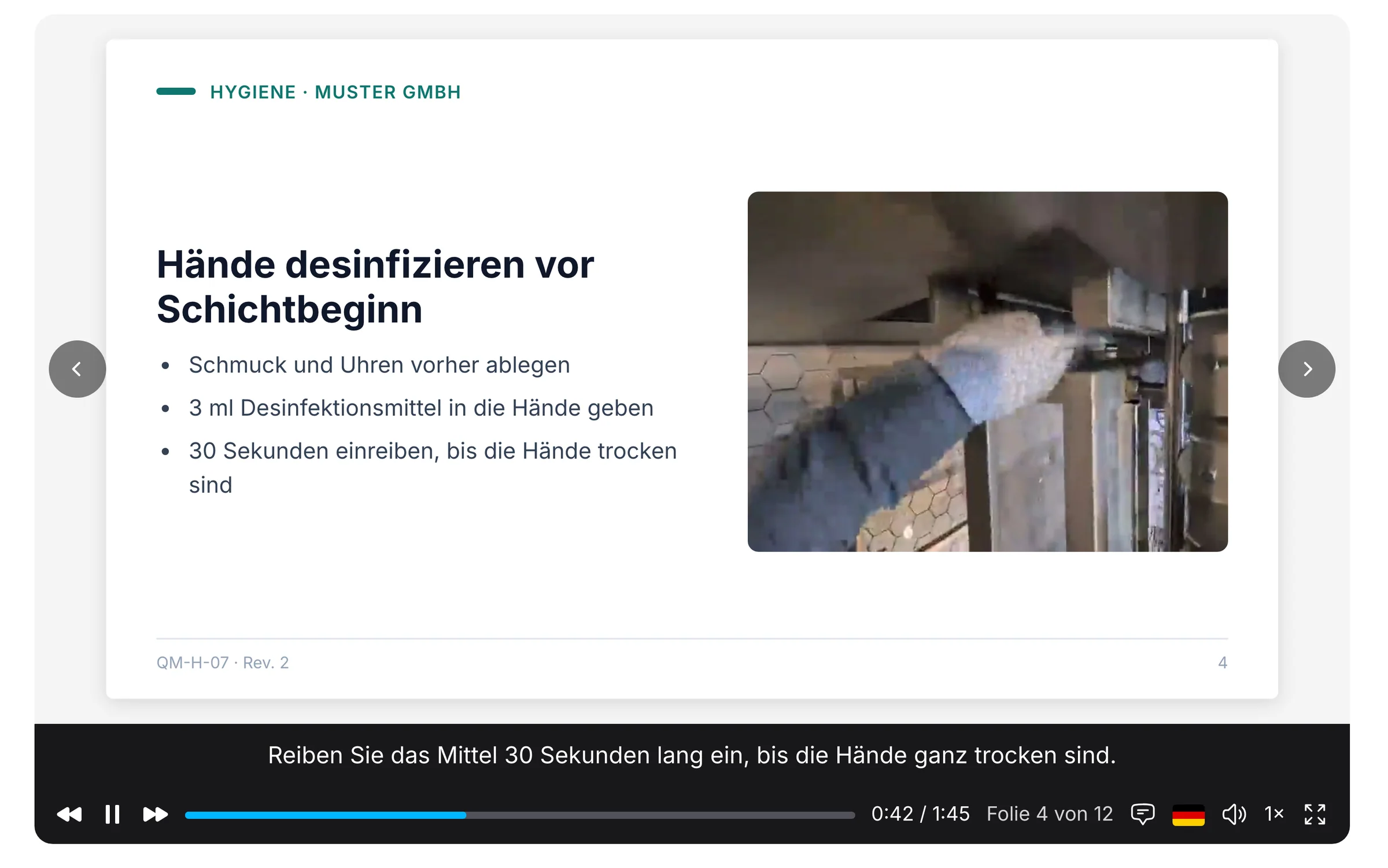
A PowerPoint keeps its slides and gets a voice-over. You can have Kraka build new slides instead. A PDF or Word file always gets new slides.
Narrated in your languages
You choose which languages Kraka narrates the tutorial in, from over 35.
A tutorial and a course with a quiz
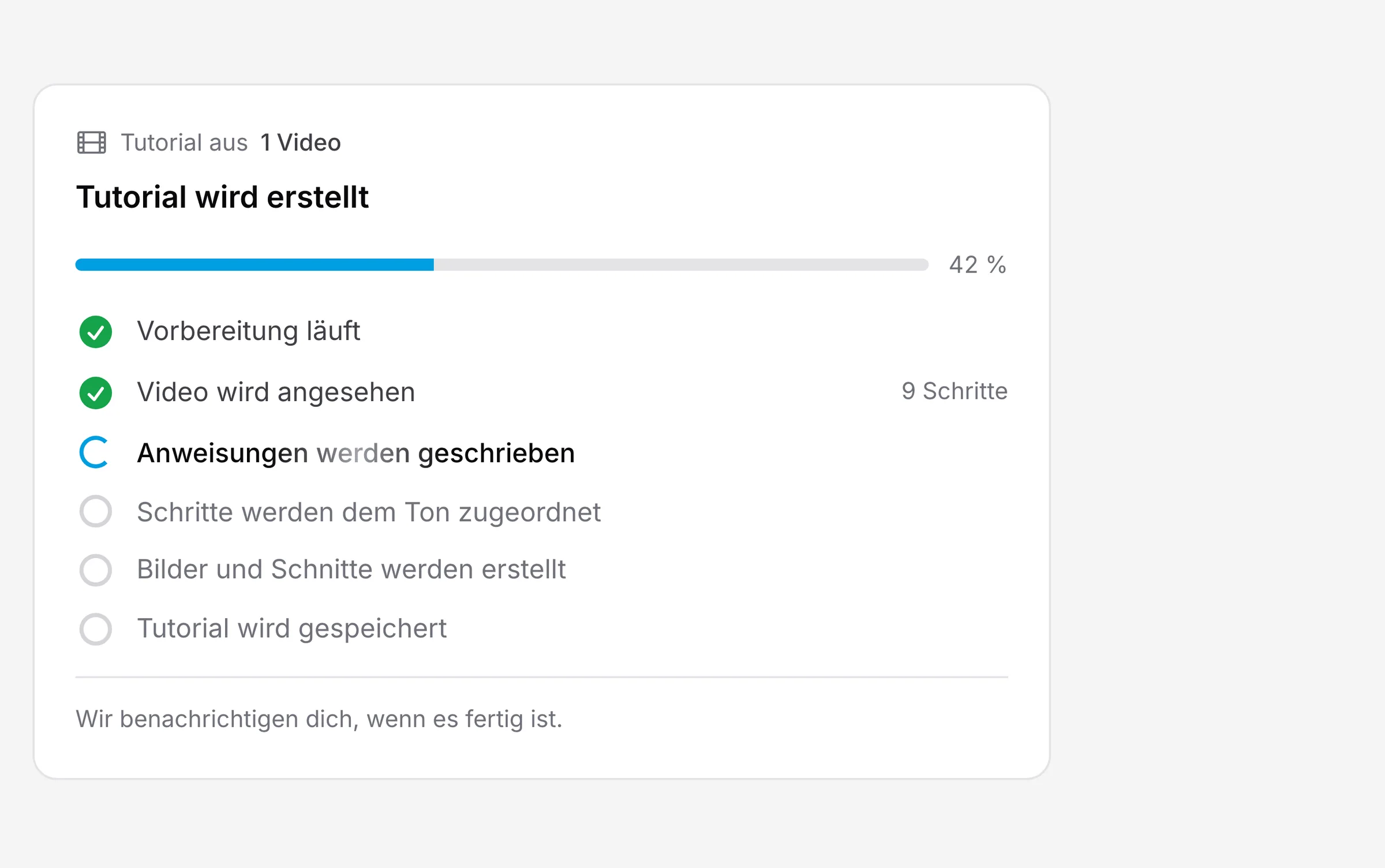
The file becomes a tutorial with chapters, steps and voice-over. Kraka then builds a course with a quiz from that tutorial.
More on courses
Results from customer projects
- 90%less time to create each video work instruction
 Read the AVO case study
Common questions
What happens to our existing documents?
They stay the starting point. PDF, PowerPoint and Word files become courses without anyone rewriting them. Existing file storage such as SharePoint can be connected, so nothing has to be kept up to date in two places.
Do we get a tutorial or a course?
Both. The file becomes a tutorial, and the tutorial becomes a course with a quiz. Your people open the tutorial when they need it, and you assign the course as training.
Can we steer what the tutorial focuses on?
Yes. You describe in a text box what the tutorial should focus on. You can also add other documents for Kraka to draw on in the narration.
More features to create
- Video work instructions for productionYour experts show the task once on camera. Kraka turns it into a tutorial that you only need to review and approve.
- Screen recording for software guidesRecord a task on screen, and Kraka turns it into a step-by-step tutorial. It pixelates sensitive fields automatically as it goes.
- Work instructions and risk assessmentsThe recording behind a tutorial also gives you work instructions (SOPs) and risk assessments (JSAs). You review both before your people use them.
- Courses with comprehension questionsA tutorial becomes a course with quiz questions, which you review and approve. The quiz at the end shows whether the content has sunk in.
Meets the requirements of your IT department.
SSO, MFA and role-based permissions. Faces and voices anonymised automatically on request.
All details under Legal & Security →- Hosted in GermanyHosting DE
- GDPR-compliant, DPA includedGDPR
- ISO/IEC 27001 certifiedISO/IEC 27001
- No AI training on your dataNo AI training
Book a consultation
30 minutes. Bring a recording or a document, and we'll show you live what Kraka makes of it.
What to expect
- Where you stand: We look at where knowledge gets lost in your plant or where onboarding takes too long.
- The way to the start: How the rollout works, what your IT needs for it and who on your side should take part.
- A clear answer: By the end, you know whether Kraka is worth it for your plant.